Changing your garage door opener code is one of the simplest ways to improve home security. Whether you've moved into a new house, lost a remote, or simply want to refresh your access codes, most openers make the process straightforward. The exact steps vary by brand, but the core principles are consistent across Craftsman, Linear, and Chamberlain systems.
Below you'll find model-specific guidance and general safety recommendations. If you need help with remote programming after changing your code, see our Chamberlain Opener Support page for detailed remote pairing instructions.
Instructions by Brand
Craftsman
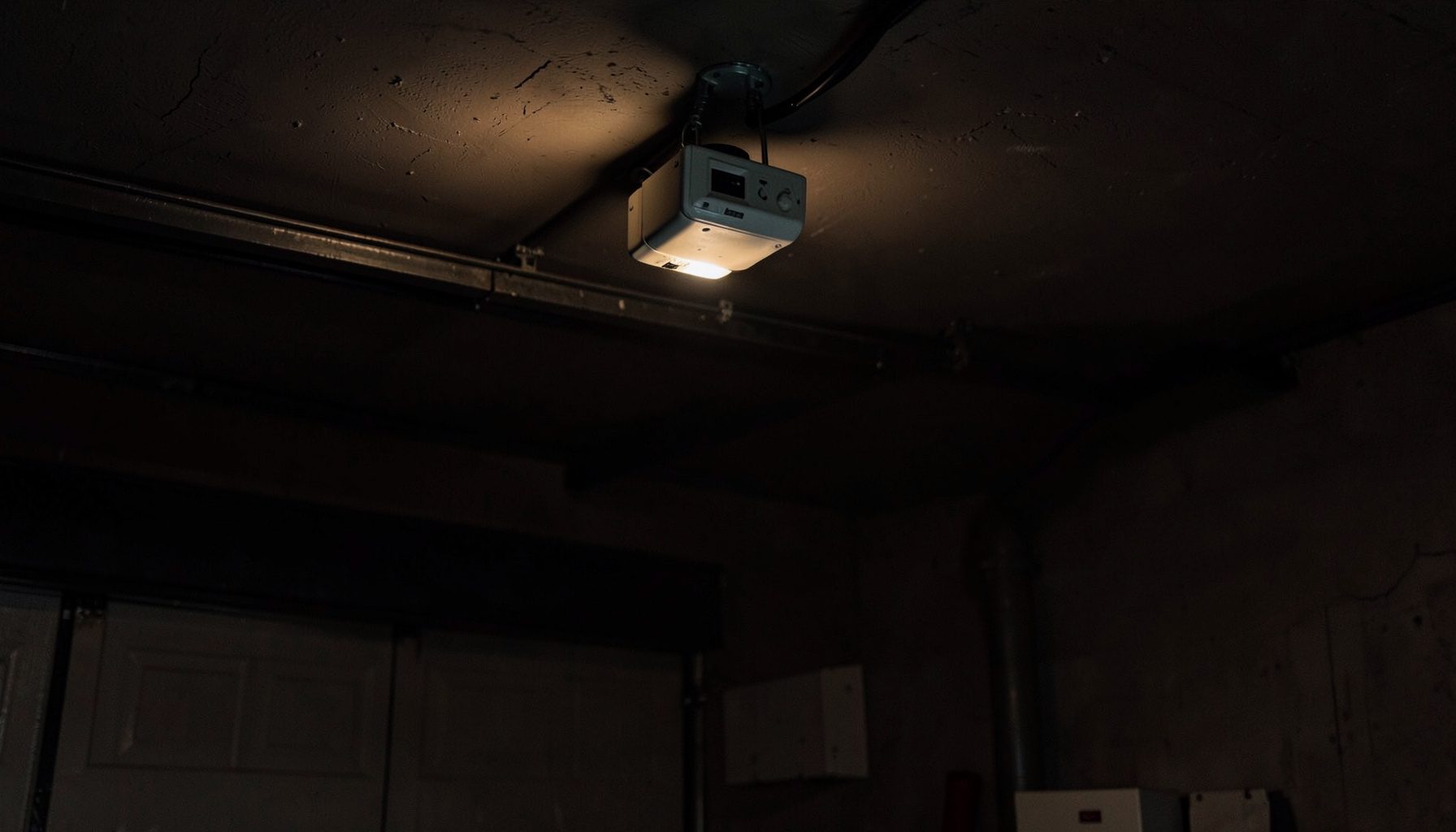
Locate the "Learn" button on the motor unit — typically near the antenna wire. Press and release it; the indicator light will glow. Within 30 seconds, enter a new four-digit code on your keypad and press Enter. The opener lights should blink to confirm. Test immediately with the door in view.
Linear
Find the "Learn" or "Program" button on the opener head. Press it once, then enter your desired code on the wireless keypad. Press the button you want to program and hold until the opener light flashes. Some Linear models require you to set DIP switches inside the remote to match the receiver.
Chamberlain
Press and release the "Learn" button on the back or side of the motor housing. The LED will light up. On your keypad, enter a new four-digit PIN and press the Enter button. The garage door opener lights will flash or you'll hear a click. Reprogram any remotes afterward using the same Learn button.
Universal Wireless Keyless Entry Setup
Universal keypads work with most major opener brands manufactured after 1993. The general setup process follows these steps:
- Mount the keypad outside the garage, within easy reach but out of direct weather exposure.
- Press and hold the "Program" button on the keypad until the light stays on.
- Enter your desired four-digit PIN, then press the "Up/Down" or "Enter" key.
- Press and release the "Learn" button on your opener motor unit.
- Return to the keypad within 30 seconds and enter your PIN, then press the "Up/Down" key. Repeat this step until the door activates — some models require two or three cycles.
If the keypad doesn't sync after several attempts, check that the opener is compatible with your universal keypad model. Battery level can also affect performance — replace the keypad battery if the backlight is dim or unresponsive.
Safety Tips for Securing Your Garage Door
Changing your code is a great first step, but a layered approach keeps your home safer. Consider these additional measures:
- Change codes regularly — every few months, or anytime a remote goes missing.
- Use a unique PIN — avoid birthdays, addresses, or sequential numbers like "1234."
- Enable vacation mode if your opener supports it — this disables all remote access while you're away.
- Secure the emergency release — a zip tie on the release cord can prevent coat-hanger break-in techniques.
- Keep the opener's firmware current — check the manufacturer's website for any security updates.
Important
Always test your new code with the garage door in clear view. Keep people and objects away from the door during testing. If the door doesn't respond as expected, consult your opener's manual or contact the manufacturer directly.
Once your code is updated, you may need to reprogram your remotes. Visit our Chamberlain Opener Support page for remote programming guides and troubleshooting help.